One machine per job
Each operator gets a screen with only their work on it, and nobody fights for the mouse.
Showeeng is not a switcher with a fixed set of features. It is a box of building blocks you wire into exactly the gallery the job asks for.
Cameras, mixer, graphics, audio, recording, streaming, camera control, prompter, show control, meeting rooms. Take the pieces you need, leave the rest on the shelf, and save the whole production as one show file.
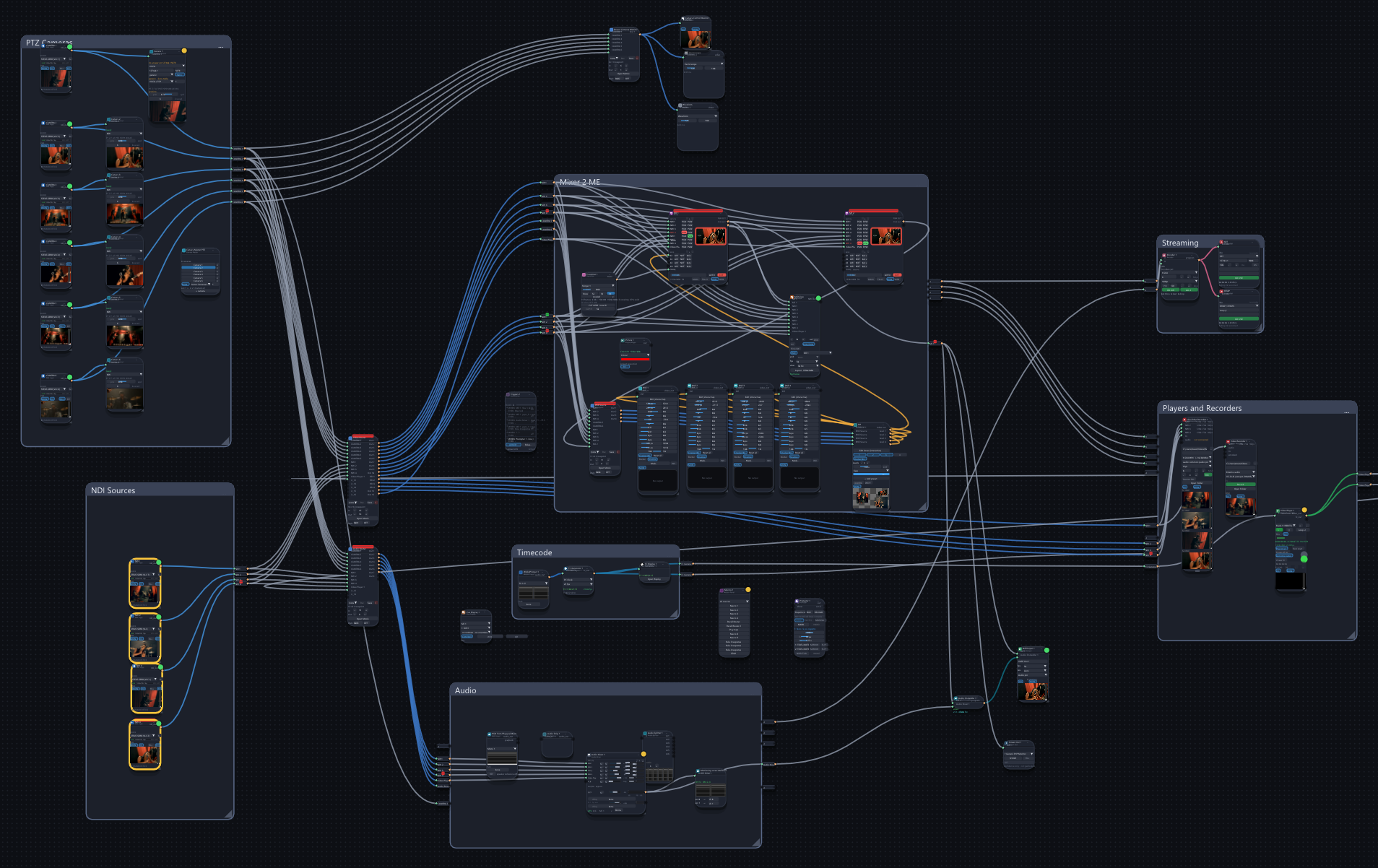
Most systems decide in advance how big your production is. This one does not. You drag in what the job needs and connect it — a single camera going to a stream, or a full gallery with keyers, ISO recording and a camera desk. Nothing you leave out is in your way.
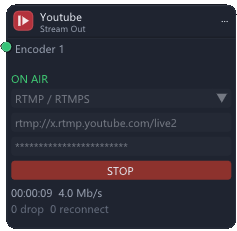
An interview, a webinar, a church service. Four blocks and you are on air.
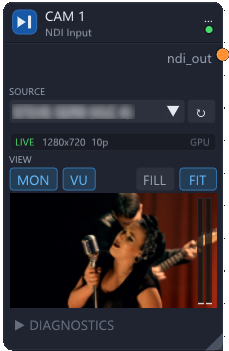
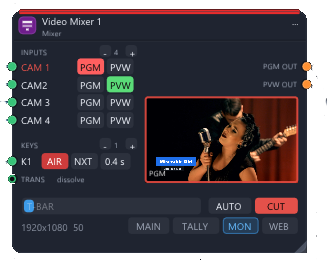
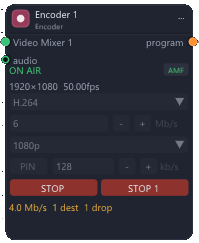
A production is rarely one person at one screen. Put the jobs on separate machines on the same network and they work as one system: pictures travel between them over NDI, and an operator can bring another machine's controls onto their own screen.
Each operator gets a screen with only their work on it, and nobody fights for the mouse.
Open the camera desk from the mix position, or the recorders from the gallery, as remote consoles. The work stays where it belongs; the hands go where they are needed.
The small show and the big one are the same software. A bigger production is one more machine, not a different system to learn.
Behind the scenes there is a canvas where you wire the show. In front of it there is a console you lay out yourself: the mixer where you want it, the faders next to it, the cameras on their own page.
Build on the canvas, operate on the console, with tabs for the parts of the evening that are different.
Stream Deck, MIDI controllers, SKAARHOJ panels and the keyboard drive the same controls as the screen. Assign a button once and it works from anywhere.
A tablet on the lectern or on the wall becomes a control panel, with no app to install.
NDI on the network, SDI and HDMI through Blackmagic cards, USB capture, SRT and RTMP to the world, ASIO and Windows audio.
Every package switches on a group of blocks. The core is always there; the rest is added when your work needs it, on the same installation.
Video galleries, streaming, events: the mixer up to 16 inputs, DVE, titles, players, ISO recording, PTZ.
Details →Lyrics or script that follow the show's timecode, for TV, concerts and theatre.
Details →A programmed show on a timeline: cues, camera operators' displays, triggers, macros, ATEM.
Details →Meeting rooms and conferences: projectors, screens, echo cancelling, the camera that follows who speaks.
Details →Five productions, described the way they are put together with Showeeng.
Write and describe your productions: how many cameras, what goes out, who is in the room. We will tell you which packages you need, and send you the demo copy to try it on your own rig.
info@showeeng.com